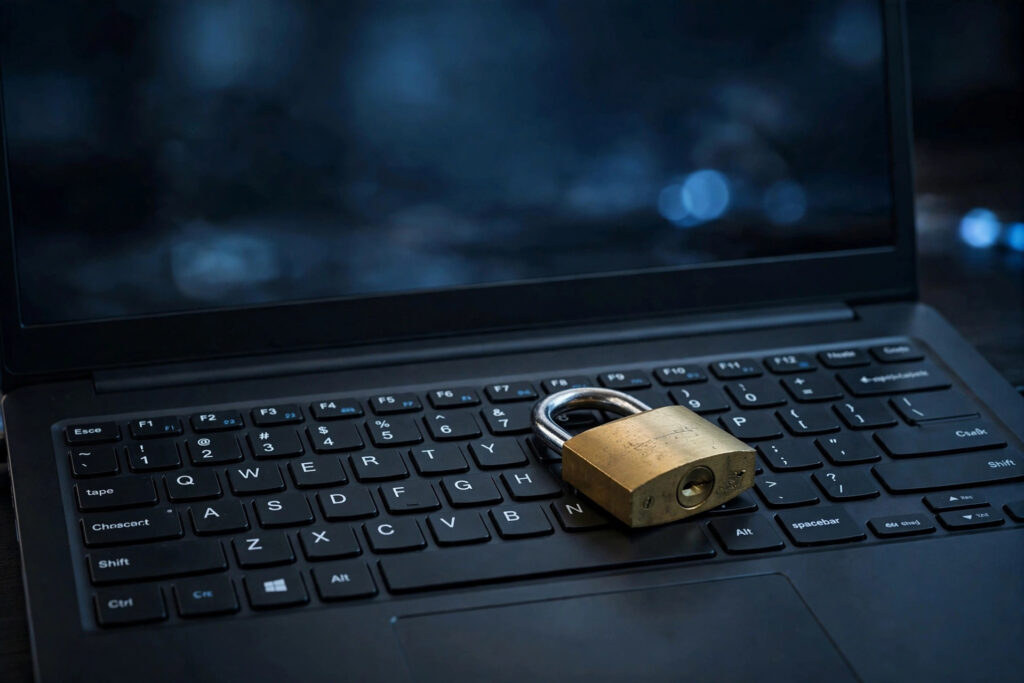
Learning how to create strong passwords is one of the simplest and most important steps you can take for your online safety. A weak password is like a flimsy lock on your front door, and the Federal Trade Commission (consumer.ftc.gov) reminds consumers that account takeovers very often start with passwords that are easy to guess, predictable, or reused across multiple websites.
What Makes Strong Passwords Truly Strong
Strong passwords are long, unique, and unpredictable. Security experts generally recommend at least 12 to 16 characters mixing uppercase letters, lowercase letters, numbers, and symbols. Length matters more than complexity: a long passphrase you can actually remember beats a short random string you will forget or write on a sticky note. Never use birthdays, pet names, or simple keyboard patterns like 123456 — attackers try those first.
How to Create Strong Passwords with Passphrases
The easiest reliable way to create strong passwords is to build a passphrase. Pick four or five random, unrelated words and combine them with a number and a symbol — for example, invented phrases in the style of purple-lamp-tiger-42. Avoid song lyrics, famous quotes, or anything tied to your personal life, since attackers routinely mine social media profiles for exactly those details when guessing passwords.
Why Strong Passwords Must Never Be Reused
Even the strongest password fails completely if you reuse it on another site. When one service suffers a data breach, criminals automatically test the stolen credentials on banks, email providers, and social networks — a practice called credential stuffing. Every account deserves its own unique password, with your email, bank, and primary social accounts getting the strongest protection of all, since those unlock everything else.
Let Strong Passwords Live in a Password Manager
Nobody can memorize dozens of unique passwords, and that is completely fine — a password manager does it for you. These tools generate, store, and autofill strong passwords for every site, so you only need to remember one strong master password. Most reputable managers are far safer than reusing passwords, saving them in a notes app, or keeping a spreadsheet of credentials that could be stolen in a single breach. Many browsers now include built-in password managers, and dedicated apps add extras like breach alerts, password health reports, and secure family sharing.
How Strong Passwords Work Best with Two-Factor Authentication
Strong passwords become dramatically more effective when paired with two-factor authentication (2FA). Turn on 2FA everywhere it is offered, choosing an authenticator app over SMS codes whenever possible, since SIM-swapping attacks can intercept text messages. The Federal Trade Commission (consumer.ftc.gov) advises enabling multi-factor authentication as one of the core steps for securing your online accounts against unauthorized access.
Watch Out for Phishing and Password Traps
No password on earth protects you from handing it over yourself. Be deeply skeptical of urgent emails or texts claiming your account is locked and asking you to log in through a link. Navigate to websites directly by typing the address into your browser, double-check sender addresses, and never share passwords with anyone who asks by phone or email — legitimate companies simply do not operate that way. When in doubt, contact the company through its official website or app, not through the suspicious message.
Conclusion
To create strong passwords and protect your online accounts, use long unique passphrases for every account, store them in a password manager, and enable two-factor authentication everywhere you can. These three habits close the most common doors that attackers walk through, and they take less than an hour to set up properly. Start with your email account today, since it is effectively the master key to your entire digital life.
#StrongPasswords #CyberSecurity #OnlineSafety #PasswordManager #Privacy
