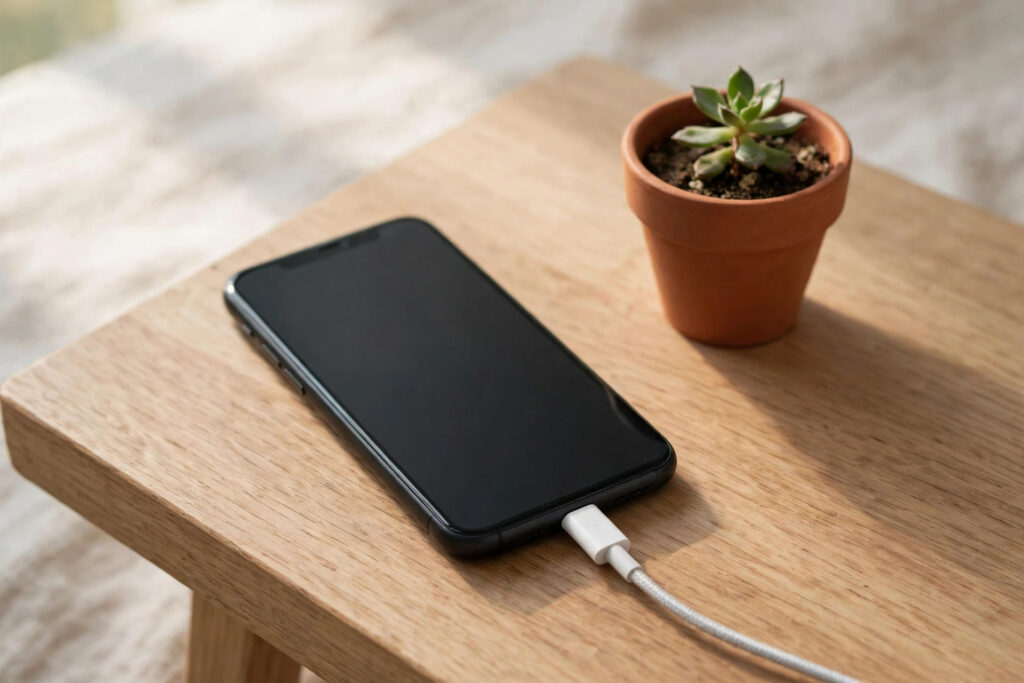
Few things are more frustrating than watching your smartphone battery drop to 10 percent before the day is over. Whether you use an Android phone or an iPhone, heavy apps, bright screens, and constant background activity can drain your battery faster than you expect.
The good news is that improving your smartphone battery life does not require buying a new phone or giving up the apps you love. A few simple changes to your settings and daily habits can add hours to your battery life and keep your phone healthier for longer. Here are 12 practical tips that actually work.
Why Your Smartphone Battery Drains So Fast
Modern smartphones do a lot in the background. Email syncs, location services, social media notifications, and app refreshes all use power even when your screen is off. The screen itself is usually the biggest drain, followed by mobile data, GPS, and processor-heavy apps like games and video streaming.
Battery health also declines naturally over time. Most lithium-ion batteries, the type used in nearly every phone, lose capacity after 500 to 800 full charge cycles. That is why a two-year-old phone rarely lasts as long as it did on day one. Good charging habits can slow this decline.
A weak signal is another hidden drain. When your phone struggles to hold a signal, it boosts its radio power to stay connected, which uses far more energy than a strong connection. This is why your battery can drop quickly in basements, rural areas, or buildings with thick walls.
12 Simple Tips to Improve Your Smartphone Battery Life
- Lower your screen brightness or turn on auto-brightness so the screen never stays brighter than it needs to be.
- Shorten your screen timeout to 30 seconds so the display switches off quickly when you are not using it.
- Use Wi-Fi instead of mobile data whenever possible, since Wi-Fi uses less power than a weak cellular signal.
- Turn on battery saver mode on Android or Low Power Mode on iPhone when your charge gets low.
- Limit background app refresh so apps stop updating content when you are not using them.
- Switch off location services for apps that do not need them, and use the “while using” option for the rest.
- Check your battery usage settings and restrict or delete apps that drain the most power.
- Avoid heat. Never leave your phone in a hot car or in direct sunlight, since heat damages batteries permanently.
- Keep your software updated, because updates often include battery and performance improvements.
- Charge between 20 and 80 percent most of the time instead of always charging to a full 100 percent.
- Turn off vibrations, live wallpapers, and unnecessary notifications that wake your screen all day.
- Use dark mode on phones with OLED screens, since black pixels use almost no power on these displays.
Battery Myths That Do Not Help Your Smartphone Battery
You may have heard that you should always drain your phone to zero before charging it. This advice comes from older nickel-based batteries and does not apply to modern lithium-ion batteries. In fact, deep discharges wear them out faster.
Another myth is that charging overnight ruins your battery. Modern phones stop charging once they reach 100 percent, though keeping the phone at full charge for long periods can still add mild stress. If your phone offers an optimized charging setting, turn it on.
When to Replace Your Smartphone Battery
If your phone shuts down unexpectedly, swells, or drops from 30 percent to zero in minutes, the battery may be worn out. Both Android and iPhone settings show battery health, so check that first. A battery below 80 percent of its original capacity is usually worth replacing.
A battery replacement is far cheaper than a new phone and can restore most of your original battery life. Use an authorized repair shop or the phone maker’s service to stay safe.
Conclusion
Improving your smartphone battery life comes down to small, consistent habits: dim the screen, limit background activity, avoid heat, and charge smartly. Apply even half of these 12 tips and you should notice a real difference within days. Start with the easiest wins, brightness and background apps, then add the charging habits over time.
Your phone’s battery will still age, but with the right care it will age much more slowly, saving you money and frustration.
Sources: Apple Support, Samsung Support, Android Help Center, Battery University.
#smartphone #batterylife #techtips #phonetips #android #iphone #gadgets
