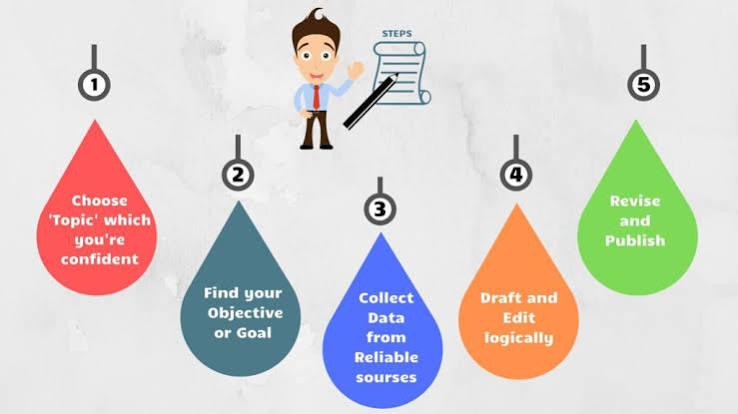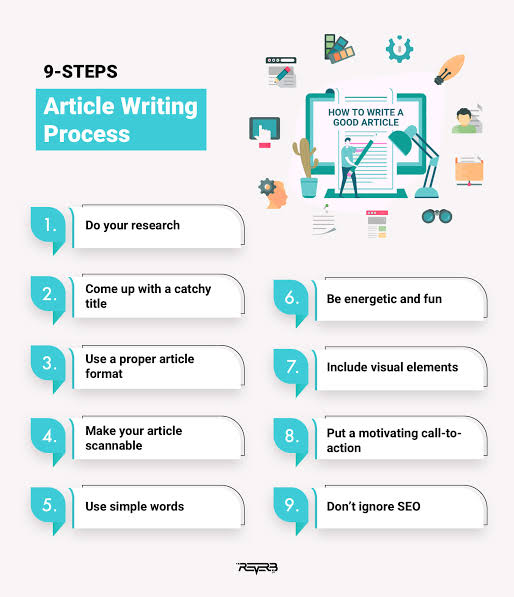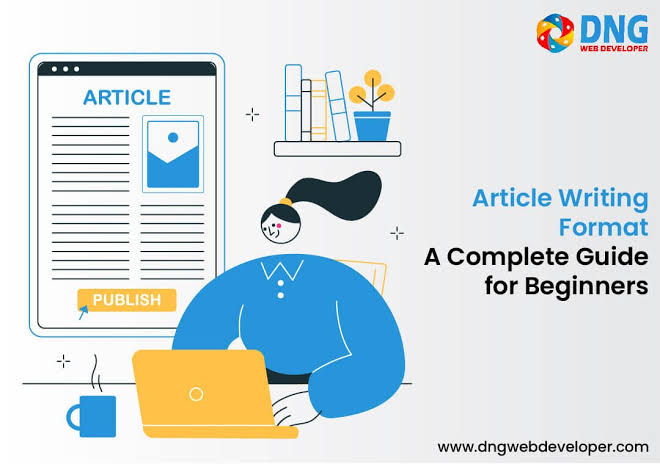
Publishing an article online is different from writing for print. Online readers often skim content before deciding whether to read it in full. A well-formatted article improves readability, keeps visitors engaged, and can even boost search engine rankings. Here are some practical formatting tips for creating professional online articles.
Start with a Strong Headline
Your headline is the first thing readers notice. It should be clear, engaging, and accurately reflect the content of the article. A compelling headline encourages readers to click and continue reading.
Example:
- 10 Simple Ways to Improve Your Writing Skills
- How Artificial Intelligence Is Changing Everyday Life
Write an Engaging Introduction
The introduction should quickly explain what the article is about and why it matters. Aim to capture the reader’s interest within the first few sentences.
Use Clear Headings and Subheadings
Divide your article into logical sections using headings (H2) and subheadings (H3). This makes the content easier to scan and helps readers find the information they need.
Example Structure:
- Introduction
- Benefits
- Challenges
- Best Practices
- Conclusion
Keep Paragraphs Short
Large blocks of text can overwhelm online readers. Keep paragraphs between two and four sentences whenever possible to improve readability.
Use Bullet Points and Numbered Lists
Lists help organize information and make important points easier to understand.
Benefits of Lists:
- Improve readability
- Highlight key information
- Make articles easier to scan
- Increase reader engagement
Highlight Important Information
Use formatting such as bold for key terms or important ideas. Avoid overusing bold or italics, as excessive formatting can become distracting.
Include Relevant Images
Images make articles more visually appealing and help explain complex ideas. Use:
- High-quality images
- Charts or infographics
- Screenshots when appropriate
Always ensure you have permission to use images and add descriptive alt text for accessibility and SEO.
Add Internal and External Links
Links improve the reader’s experience by providing additional information.
- Internal links: Direct readers to related articles on your website.
- External links: Reference reliable sources when supporting facts or statistics.
Optimize for Search Engines (SEO)
Basic SEO practices can help your article reach a larger audience.
- Include your main keyword naturally.
- Use descriptive headings.
- Write an effective meta description.
- Add image alt text.
- Keep URLs short and descriptive.
Use Readable Fonts and Spacing
Choose fonts that are easy to read on both desktop and mobile devices. Maintain sufficient spacing between paragraphs and headings to create a clean layout.
Make Articles Mobile-Friendly
Many readers access content on smartphones. Ensure that:
- Text is easy to read without zooming.
- Images resize properly.
- Buttons and links are easy to tap.
- Paragraphs remain short.
End with a Strong Conclusion
Summarize the main points and leave readers with a clear takeaway. You can also encourage further engagement by inviting comments, sharing, or exploring related articles.
Proofread Before Publishing
Before publishing:
- Check grammar and spelling.
- Verify facts and statistics.
- Test all links.
- Review formatting on desktop and mobile devices.
Final Thoughts
Good formatting is just as important as good writing. Clear headings, short paragraphs, lists, visuals, and mobile-friendly design make articles easier to read and more enjoyable for your audience. By following these formatting best practices, you can create professional online content that attracts readers, improves engagement, and performs better in search engines.